How Much Onboarding Does Your MVP Need?
A practical way to choose between clearer product copy, one contextual prompt, a short setup flow and a full onboarding operation.
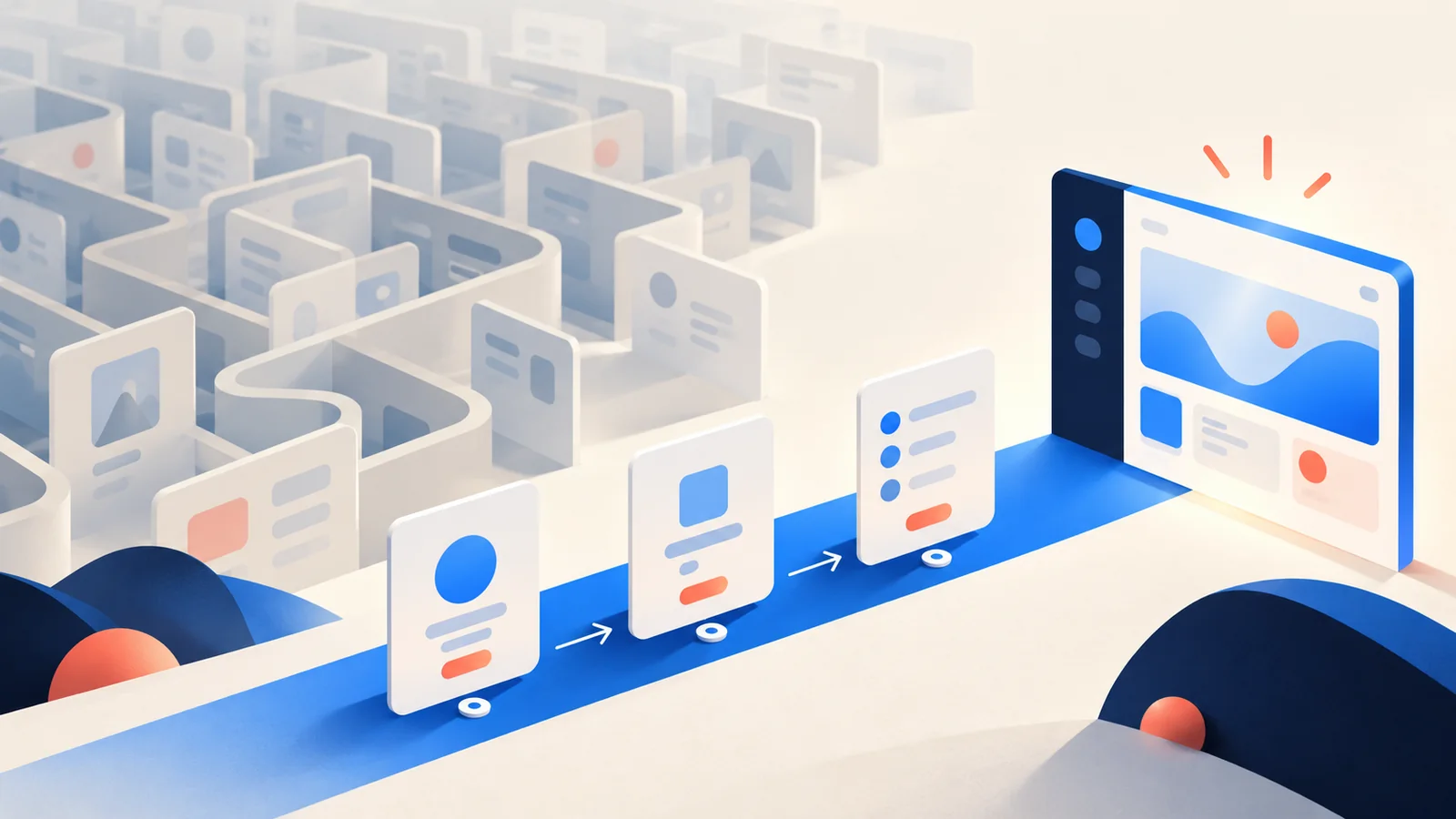
Your MVP needs enough onboarding for the first user to reach the product’s useful outcome without you rescuing every session. It does not automatically need a product tour, a welcome video, a checklist, sample data, tooltips and an email sequence.
In a one-week build, onboarding is part of the product flow—not a second product layered on top. We start with the moment a new user arrives, remove avoidable confusion from the interface, and add guidance only where it helps them complete the main task.
That boundary matters. A polished tour can make an unfinished product look busy while users still struggle to get value. The right onboarding is usually shorter, more specific and closer to the action than founders first imagine.
Start with the first useful outcome
Before choosing onboarding features, define what a new user should accomplish in the first session.
For a booking product, that may be publishing one available slot. For a reporting tool, it may be connecting one source and seeing the first result. For a marketplace, it may be creating a complete listing that another person can act on.
“Understand the platform” is not a useful outcome. Neither is “explore all features.” Those goals are too broad to shape a first release.
A stronger scope sentence is: “A new instructor can create an account, add one lesson slot and share the booking page.” It tells us where onboarding begins, where it ends and what the product must explain along the way.
This follows the same release-boundary principle in our one-week MVP scoping guide: build the smallest complete flow, then separate what can follow.
Make the product explain itself first
The cheapest onboarding screen is the one you do not need to build.
If a button says “Continue” when the user is choosing a plan, clearer copy may remove the need for a tooltip. If an empty dashboard gives no direction, one useful empty state can do more than a six-step tour. If a form asks for information before explaining why, changing the sequence may solve the problem.
We first look for friction inside the core flow:
- Is the next action visible?
- Does the page use the user’s language rather than internal product terms?
- Does each step ask only for information needed now?
- Do empty states show what to do next?
- Do errors explain how to recover?
- Can the user see when the task is complete?
These are product decisions, not decorative polish. When the interface gives the right cue at the right moment, onboarding becomes part of using the product rather than a lesson that users must finish first.
When onboarding belongs in week one
The first action is unfamiliar
A familiar sign-up form may need little explanation. A new workflow, specialist tool or unusual data model may need a short example before the user can act confidently.
The answer is not always a tour. A pre-filled example, one sentence beside the decision or a sensible default may be enough. The test is whether the user can take the next correct action, not whether every control has been introduced.
Setup is required before value appears
Some products cannot show a useful result until the user adds content, invites someone, connects an account or configures a rule. That setup is part of the main journey.
For an MVP, we usually turn it into a short, visible sequence. Show what is required, explain why it matters and confirm progress. Optional preferences can wait until after the first useful outcome.
A wrong choice creates real recovery work
If selecting the wrong option could expose information, misroute a request or force staff to repair a record, the product should slow the user down at that point. Clear labels, confirmation copy and a safe default belong in the first version.
This is different from explaining every feature in advance. Guidance should become more specific as the cost of a mistake rises.
More than one role enters the product
A customer, staff member and administrator may each need a different starting point. One generic welcome sequence rarely serves all three.
The MVP does not need a complete learning centre for every role. It may need role-aware entry points, a focused first task and a clear handoff. Our Fit'n Co case study shows a product with a member app and a staff panel backed by one system. The two sides serve different jobs, so their first-use needs are not interchangeable.
When elaborate onboarding can wait
The founder can support a small first cohort
Hands-on onboarding can be a sensible research method for early users. You see where they hesitate, which words confuse them and what they expect to happen next.
But “we will help them” should not hide a broken flow. Decide who runs each session, capture the repeated questions and fix problems that block the core task. Personal support is useful when it teaches you what to build, not when it becomes permanent compensation for unclear software.
The guidance explains features that are not essential yet
A tour often grows because the product has many controls. That is a scope signal. If a feature is not required for the first useful outcome, its onboarding probably does not belong in the first session either.
Let users discover secondary options later. The first-run experience should create momentum, not inventory the interface.
The product can start with meaningful defaults
Sample content, a template or a pre-configured workspace can sometimes remove a long setup sequence. The user learns by editing something that already works.
Use defaults only when they are honest and easy to replace. Do not present fictional activity as real customer data, and do not let demo content leak into a live workflow.
The team has not observed anyone use the flow
Building a complex onboarding system before watching first users is often guesswork. Start with clear copy, a small amount of contextual guidance and a way to support people. Then improve the repeated points of confusion you actually observe.
An MVP is valuable because it gives you a real product to learn from. The onboarding roadmap should come from that evidence.
Choose the lightest onboarding that completes the job
There are four practical levels.
Level A: clear interface copy
Use direct labels, useful empty states, examples and recovery messages. This is the baseline for every MVP. If the user can complete the first task with these cues, stop here.
Level B: one contextual prompt
Add a prompt at the moment the user needs it: a short explanation beside a field, a confirmation before a sensitive action or a single callout pointing to the first step.
This is usually stronger than a general tour because the guidance arrives with the decision.
Level C: a short setup sequence
Use a small checklist or wizard when several required actions must happen before the product works. Keep the sequence tied to one outcome, show progress and let users return if interruption is safe.
Level D: guided onboarding as a product workflow
Some products genuinely need role-based setup, imported data, approvals, training or a staffed handoff. That can be core scope when the onboarding process is inseparable from delivering the service.
It can also exceed a responsible one-week build. If external data, compliance review, multiple teams or complex migrations are required, we define a narrower first cohort or tell you the week is not the right fit.
What our projects suggest
The published policeler.in case study describes a working product for insurance agencies and their customers on desktop and phone. Its first release arrived before online payments, which followed later in the same week. The lesson for onboarding is not that payments should always wait. It is that the first useful journey and the next milestone can be separated deliberately.
The TonUtils case study documents more than 100 tools delivered in a six-day launch, along with boundaries around sensitive information: seed phrases and keys stay in the user’s browser, and wallet actions show the exact transaction before signing. A broad product does not need to explain everything at once. Guidance matters most where context and consequences matter.
Fit'n Co continued beyond its one-week core build on a monthly retainer, adding later work such as SMS sign-in, push notifications, privacy controls and two-factor staff sign-in. That sequence is a useful reminder: the first-run experience can grow on the same foundation as the product. Week one does not have to anticipate every future user, role or support question.
These are examples of real delivery boundaries, not a universal onboarding template. Your first version should follow the behaviour and risks of your own product.
Bring these answers to the scope call
Before deciding that your MVP needs a product tour, answer:
- Who is the first user? Be specific about their role and situation.
- What useful result should they reach? Name an outcome, not a page.
- What must they provide first? Content, data, access or a decision?
- Which step is unfamiliar? Do not explain what users already know.
- Where would a mistake matter? Add guidance where recovery is costly.
- Can a default or example remove setup? Prefer doing over reading.
- What can a person support at first? Give the manual step an owner.
- What will you observe? Decide how repeated confusion becomes a product change.
- What is explicitly later? Tours, videos, help centres, automation and lifecycle emails should not enter the week silently.
These answers usually reveal whether you need better copy, one prompt, a short setup flow or a real onboarding operation.
Build the shortest path to value
Your MVP does not need to teach every future feature. It needs to help the first users do the important thing, show them what happened and give them a safe next step.
We build that smallest complete journey as a live, usable product in seven days for a fixed $999. If onboarding is essential to the result, we include the focused version. If the interface can carry the user without a tour, we keep the week on the product itself. You keep the code and accounts either way.
Book a short MVP scope call. Tell us what a new user sees first and what they need to accomplish. We will help define the shortest responsible path from arrival to value.